Bilby

Named after a little Aussie with enormous ears

The bilby is small, curious, and hears everything. Sound familiar? So we went looking for a music player made for exactly that kind of kid.

A$140

one player, no subscription

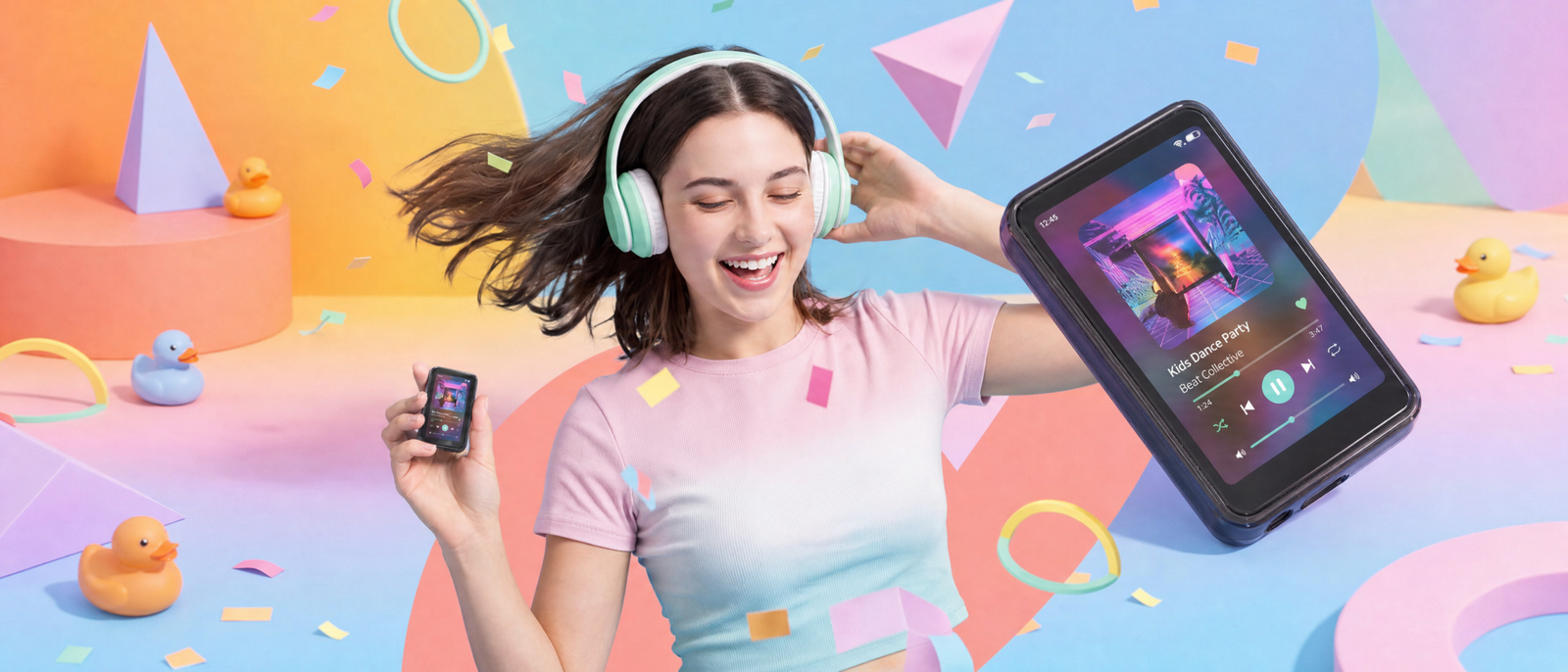
Bilby Music Player Hero Image - Young Person dances while a closeup of the Bilby music player sits right of screen

The Bilby music player is theirs.

Not yours-on-loan, 20-minute timer, locked out. Theirs. And that frees you up while they enjoy dancing away!

Streaming

All the major apps, already on board

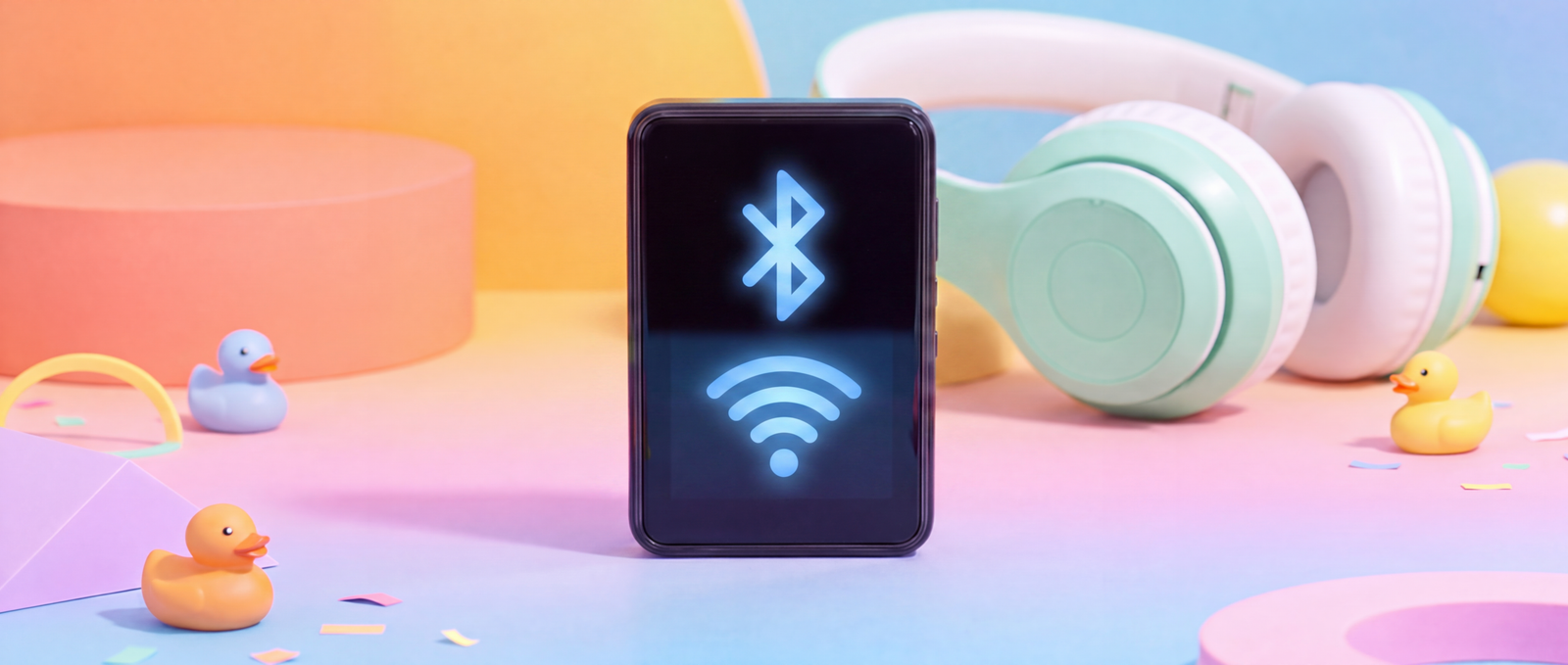
Spotify, Apple Music, Amazon Music, YouTube Music, even the high-fidelity ones like Tidal.

Storage

Sixteen gigabytes holds thousands of songs

Expandable with a microSD card to hold thousands more.

Battery

Ten to sixteen hours offline

Streaming runs for about 4-6 hours. Offline, with WiFi switched off, it keeps going for about 10-16 hours.

Formats

Including the good lossless stuff

Reads MP3, FLAC, APE, WAV and AAC. This thing sounds far better than its size would imply.

Load it up. Take it anywhere. No signal needed.

Plug it into your computer with the USB-C cable, drag the music across, done. Then take it where the internet isn’t.

The back seat on the Bruce Highway

No reception, no arguments, no buffering.

A campsite three hours from anywhere

Everything they want to hear is already on the device.

Row 42 of a flight to Perth

Headphones in, WiFi off, hours of battery left.

Bilby Music Player model loving music

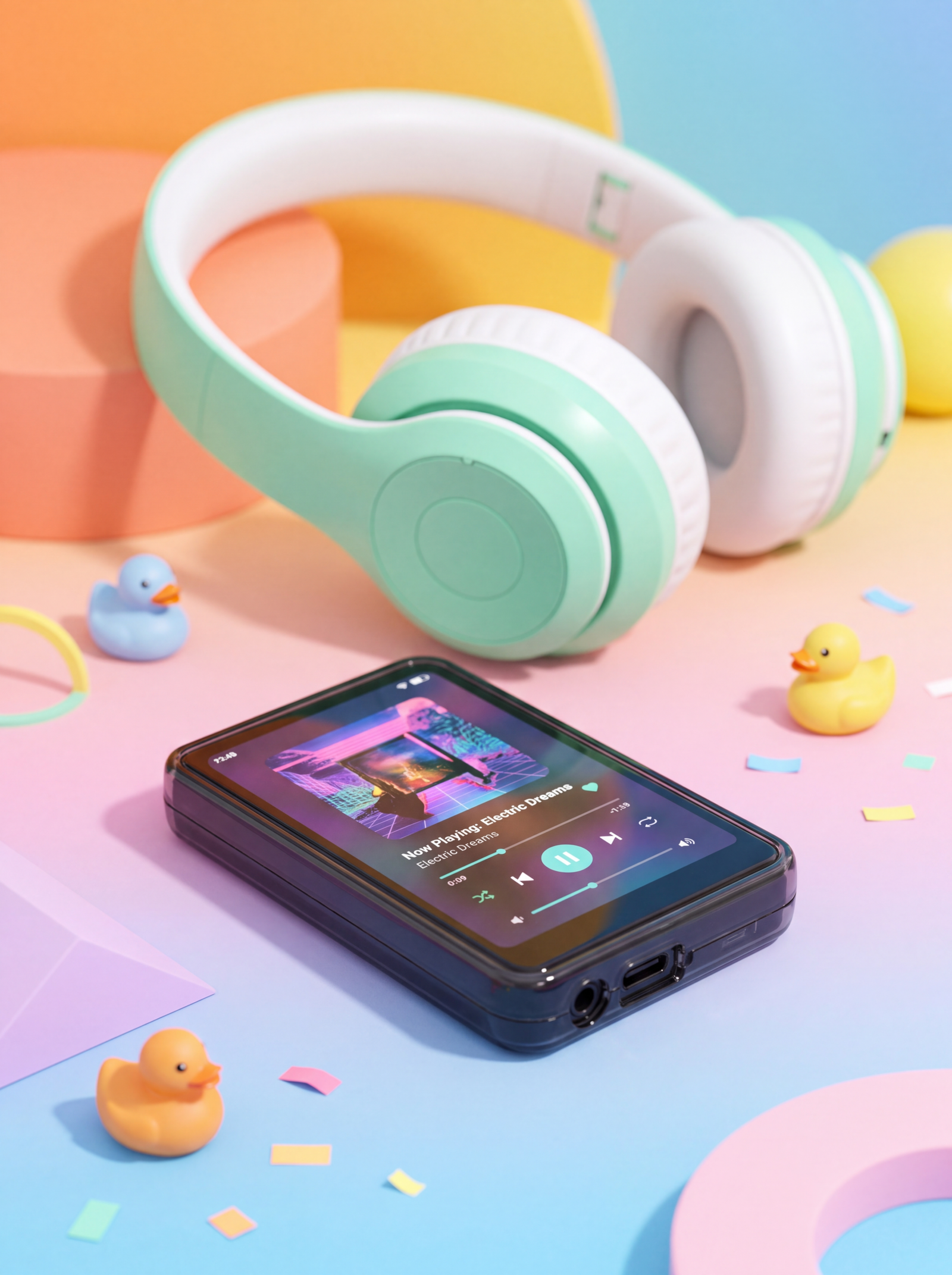
The 2.8-inch screen a five-year-old can drive

It’s a size that’s more comfortable for children to use than a phone, but with an interface that feels familiar.

At 98 grams it slips into a pocket or school bag without a problem.

From a reliable manufacturer (Famue) it’s hardy, and it also comes with a plastic case to help with the inevitable bumps.

Bilby Music Player Product Shot
Young Person dancing with the Bilby Music Player hooked up to Bluetooth Headphones

Headphones in the car. Speakers in the living room.

There’s a proper 3.5 mm jack, so the cheap kid-safe headphones you already own will just work. Or pair over Bluetooth. Or let the two built-in speakers fill the room while they play.

You decide what they can open

The Bilby runs Android, so it takes the same parental control apps you’d put on any phone. We recommend AppBlock — it’s free on Google Play, and our step-by-step setup guide walks you through hiding everything except the music.

Ten minutes of setup. Then it’s a music player and nothing else.1

Install AppBlock

Free on Google Play. Nothing to buy, nothing to subscribe to.

Follow our setup guide

Step by step, screen by screen, until only the music apps are left.

Hand it over

Ten minutes in and it does one thing. That’s the point.

Other fun stuff

FM radio. A sleep timer for the ones who need music to fall asleep. Even an eBook reader. Charge it in about two hours with any USB-C cable you already own.

Bilby Music Player showing bluetooth and wifi

What parents are saying

“The best! The setup was super easy and my daughter no longer steals my phone just to listen to music. In love with the Bilby!” – Bea, NYC

“My phone was a huge source of tension between my son and I, but Bilby lets me give him music without worrying about all the other stuff that can be on a phone.” – Caroline, Los Angeles

“I love it!” – Vivienne, Brisbane, Australia – Age 10

Full specifications

Screen

2.8-inch touchscreen

Weight

98 grams

Storage

16 GB built in, expandable with a microSD card

Battery

About 4-6 hours streaming; about 10-16 hours offline with WiFi switched off

Charging

About two hours over USB-C

File formats

MP3, FLAC, APE, WAV, AAC

Audio out

3.5 mm headphone jack, Bluetooth, two built-in speakers

Operating system

Android — takes the same parental control apps as a phone

Streaming apps

Spotify, Apple Music, Amazon Music, YouTube Music, Tidal

Also does

FM radio, sleep timer, eBook reader

In the box

Bilby music player, USB-C cable, plastic case

Manufacturer

Famue

Questions parents ask

Does it need an internet connection?

No. Plug it into your computer with the USB-C cable, drag the music across, and it plays anywhere — no signal needed. But if you want to use streaming apps, you’ll need internet.

Can they still use Spotify?

Yes. It’s compatible with all the major streaming apps — Spotify, Apple Music, Amazon Music, YouTube Music, even the high-fidelity ones like Tidal.

How long does the battery last?

About 10 to 16 hours offline with WiFi switched off, and about 4 to 6 hours streaming. It charges in about two hours over USB-C.

Is there a subscription?

No. Nothing to subscribe to. Use a streaming account you already pay for, or load your own music files for free.

How do I stop them opening other apps?

It runs Android, so any parental control app works. We recommend AppBlock, free on Google Play, and our setup guide walks you through hiding everything except the music.

Will our existing headphones work?

If they have a 3.5 mm plug, yes. Bluetooth headphones pair too, and there are two speakers built in.

How much music actually fits?

Sixteen gigabytes holds thousands of songs, and a microSD card holds thousands more.

Will it survive a five-year-old?

It’s built by Famue and it’s hardy, and it comes with a plastic case for the inevitable bumps.

Shipping and returns

Shipping is free, everywhere

The price you see is the price you pay. Postage, import duties and taxes for your country are all included. No surprise bill at the door.

Tracked from the factory

Every order ships tracked from our manufacturing partner. Most arrive in about 10 business days; allow 7 to 24 days depending on where you are. We email the tracking link the moment it is on its way.

90 days to change your mind

Send it back within 90 days for any reason. Return shipping is on us, and we help you get it straight back to the factory. Full returns policy.

Give them the music. Get your life back.

A$140

player, USB-C cable and case included

1. Disclaimer: AppBlock is made by someone else, not by us, and it isn’t bulletproof. It’s brilliant for younger kids. An older, determined kid can work around any app-level lock — that’s true of every Android device on the market, ours included. Set it up with your child, talk about the rules, and you’ll be fine.

Scroll to Top